Turn Podcast Episodes into Viral Clips
Upload any podcast episode. AI finds the best highlights, generates visual backgrounds, and adds animated captions — all on your phone.
 Smart Clip Detection
Clips scored by virality — post the best ones first
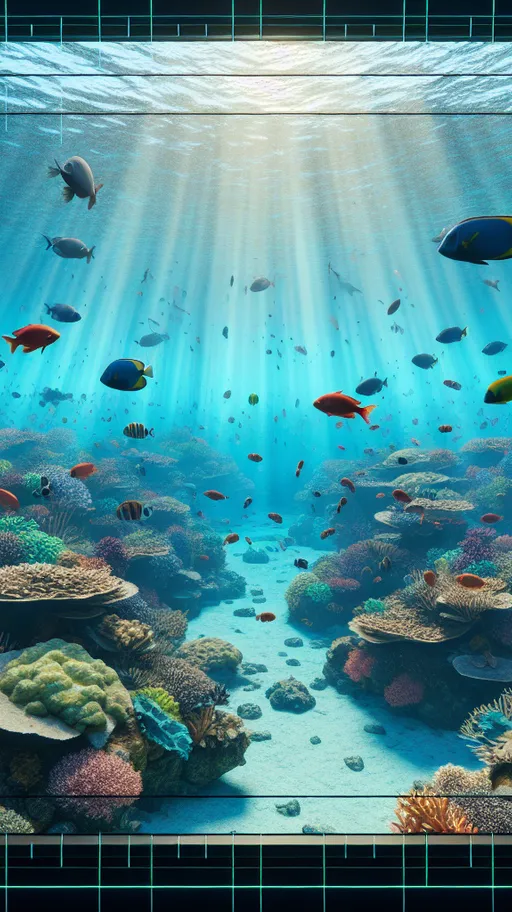
The Founder's Pivotal Decision

5 Actionable Growth Tips
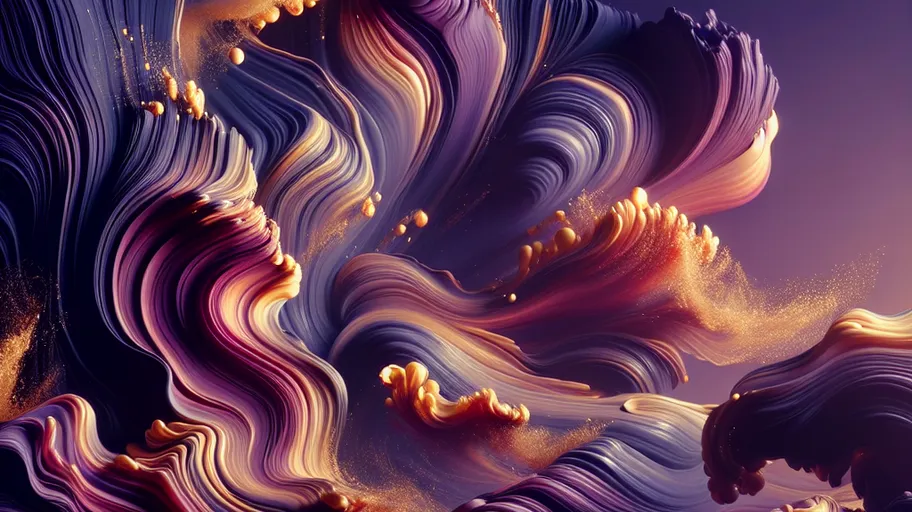
Surprising Industry Insight

The Moment Everything Changed
How It Works
Importing content...
Upload Your Episode
Import an audio file from your phone or paste a podcast RSS feed link. Supports MP3, WAV, M4A, and more.
The Founder's Pivotal Decision
5 Actionable Growth Tips
Surprising Industry Insight
AI Finds Highlights
On-device Whisper transcribes the episode. AI detects the most shareable moments with speaker detection for multi-host shows.
Add Visuals & Export
Choose from 1,200+ backgrounds, generate AI images, or use slideshow mode. Add captions and export as video clips.
Full Clip Editor
Customize every detail — captions, colors, fonts, aspect ratio, speed, and resolution.
Smart Clip Detection
AI analyzes transcripts and finds the 8-12 most engaging, viral-worthy moments automatically.
6 Caption Styles
Highlight, Karaoke, Typewriter, Minimal, Bold Pop, Gradient — with custom fonts, colors, and sizing.
4 Aspect Ratios
9:16 for TikTok/Reels, 1:1 for Instagram, 4:5 for optimal feed, 16:9 for YouTube landscape.
the moment that changed everything
Caption Style
Font
Color
Aspect Ratio
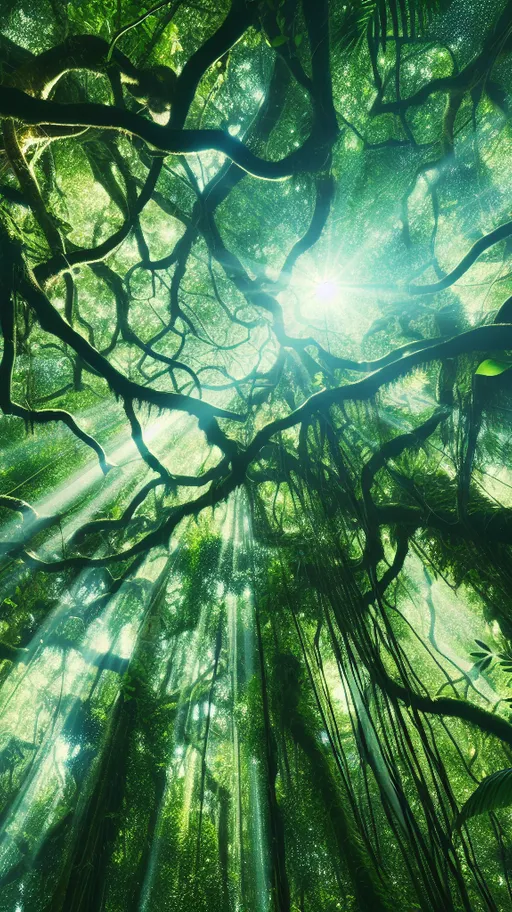
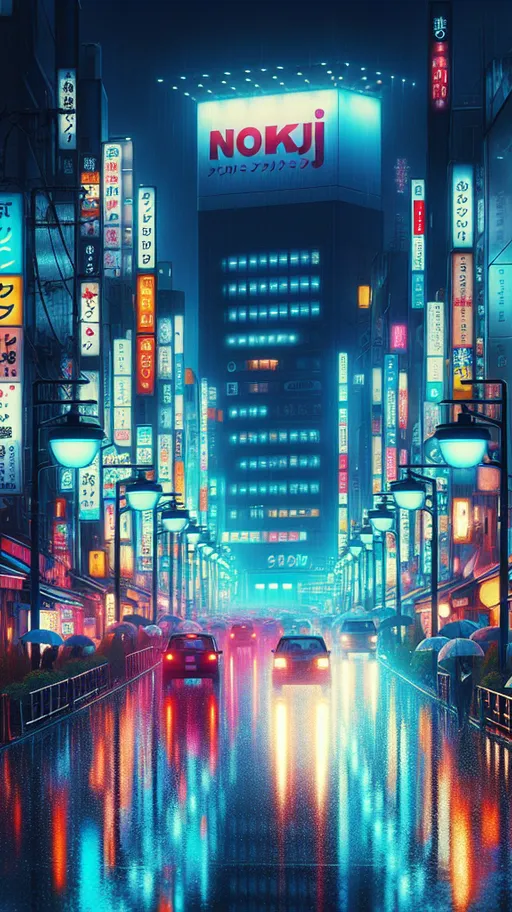
1,200+ Backgrounds
12 categories of built-in backgrounds in portrait, landscape, and square. Perfect for turning audio into visual content.
AI Image Generation
Generate custom backgrounds on-device from text prompts. 6 art styles including Realistic, Illustrated, and Anime.
Speaker Detection
Automatically detects and attributes clips to the right speaker. Perfect for multi-host podcasts and interviews.
1,200+ Backgrounds Included
12 categories of stunning backgrounds in every aspect ratio. Perfect for audio content or adding visual flair to any clip.


FAQ
Can I turn audio-only podcasts into video clips?
Yes. Vidulk generates visual backgrounds for audio content — choose from 1,200+ built-in images, AI-generated backgrounds, audiograms, or slideshows.
Does it support multi-host podcasts?
Yes. Speaker detection identifies different speakers and attributes clips to the right person automatically.
What visual styles are available for podcast clips?
Animated audiograms (bar, wave, circle, particle), image slideshows with crossfade, AI-generated backgrounds, and 1,200+ built-in images across 12 categories.
Can I paste a podcast RSS feed?
Yes. Paste an RSS feed URL to import episodes directly, or upload audio files from your device.
Start Clipping Today
AI clipping, video downloading, caption editing, and image generation — all in one app.