 AI-Powered Video & Audio Clipping
Turn Any YouTube Video
Into Viral Clips
On your phone or on the web, with one account. AI finds and clips the best moments in minutes.
Paste a YouTube link, drop a TikTok, upload a podcast — Vidulk transcribes, detects the best clips, and lets you customize captions. Start in the app, pick up on vidulk.com.
Vidulk|
Paste a link or upload a file
On-Device AI
Transcription runs locally
Full Clip Editor
AI detects clips, you customize everything — aspect ratio, captions, backgrounds, speed. Works with any source.
YouTube Source
45-min interview, 12 clips detected
Legal Outcomes and Settlements

The Pentagon Connection

Why AI Companies Settle
the moment that changed everything
Choose Your Format
Resize for any platform. One clip, every format — TikTok vertical, Instagram square, YouTube landscape.

Caption Templates
Pick a template and go. 10+ preset styles with one tap — or fully customize fonts, colors, timing, and positioning.
Fine-Tune Captions
Adjust caption timing in 0.2s increments so words land exactly on the beat. Edit any caption block inline. Remove filler words with one tap.
Audio In, Visual Clips Out
No video? No problem. Choose from 1,200+ built-in backgrounds across 12 categories, generate AI images on-device, or create slideshow clips with your own photos.
podcast_episode_142.mp3
Just audio. No visuals.
“The moment I realized we needed to pivot completely”
1,200+ Built-in Backgrounds
12 curated categories with images in portrait, landscape, and square formats. Every background works perfectly as a clip backdrop for your audio content.
Or generate custom backgrounds with on-device AI — type a prompt, choose a style (Realistic, Illustrated, Abstract, Anime, Watercolor), and get a unique image in seconds.
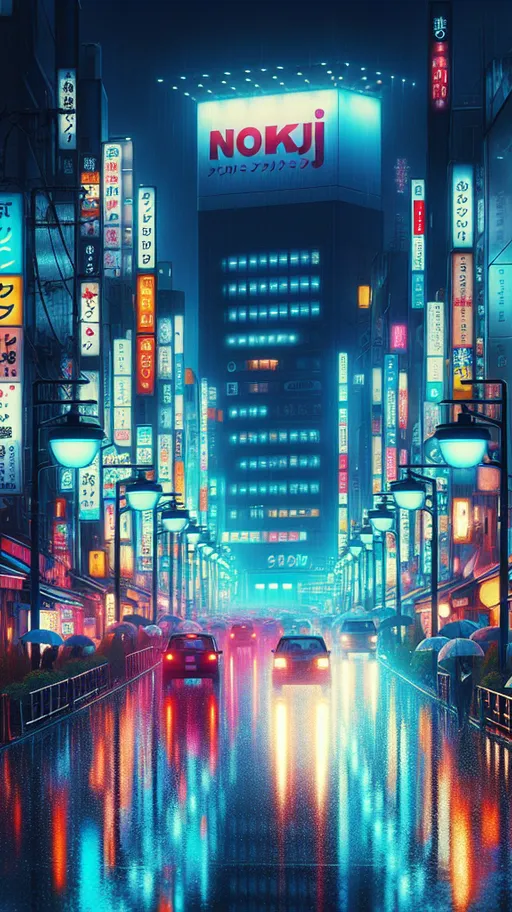
 NatureSpace
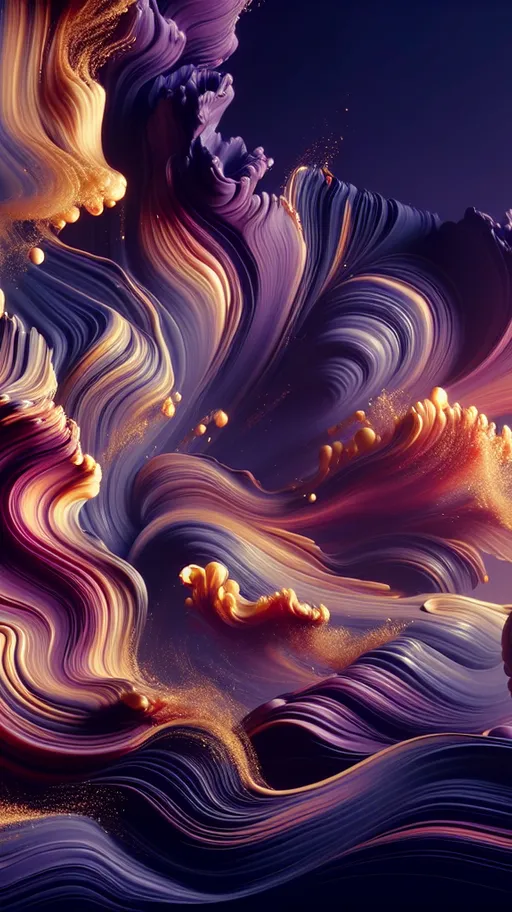 AbstractUrban
 Ocean
Ocean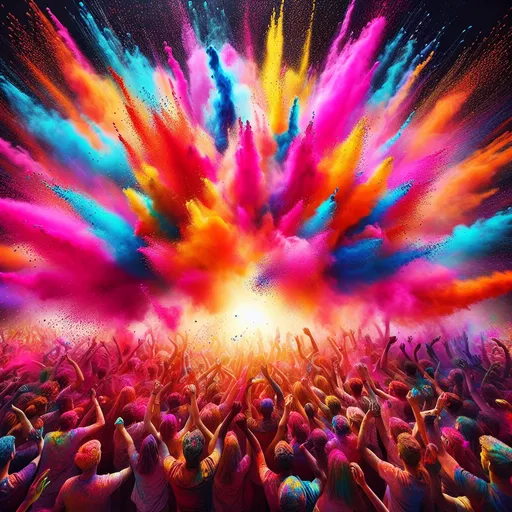 Colorful
 Tech
Tech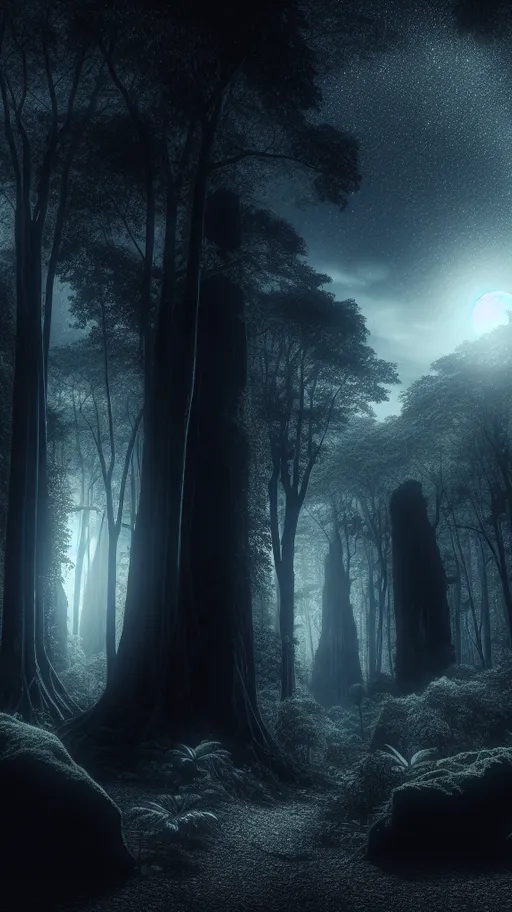 Dark Moody
 Minimal
AI Studio
Generate images for audio-only content, enhance any image with AI upscaling, or create custom backgrounds — all processed locally on your device.
AI-generated images from text prompts
AI Studio
Describe your image
78/200
Style
Aspect Ratio
Generated on your device

Upscale any image with AI
AI Studio
Image Enhancer
Upscale any image with AI. Choose your scale and output format.
Scale Factor
Output Format
Processed on your device
How it works
Select an image from your photo library
Choose scale (2x or 4x) and output format
AI enhances resolution on your device
Save the enhanced image to your camera roll
Why AI Studio?
Audio-only content like podcasts needs visuals. AI Studio lets you generate or enhance images to pair with your clips — no design skills needed.
Create Backgrounds
Generate custom AI backgrounds for your podcast or audio clips with text prompts
Image Enhancer
Upscale any image 2x or 4x with on-device AI processing
On-Device Processing
Everything runs locally on your phone — no cloud uploads, total privacy
Any Source, Viral Clips
YouTube, TikTok, Reels, podcasts, lectures, local files — paste a link or upload, and Vidulk handles the rest.
YouTube
Paste a YouTube link
Paste a video link and get 8-12 clips from a 45-minute video. AI handles transcription and detection automatically.
Sample Results
AI-detected clips
The Truth About AI Regulation
9.4Why This Shocked Everyone
8.8The Moment That Changed It All
8.2Why Mobile-First Matters
Desktop tools make you wait. Vidulk puts a full AI clipping studio in your pocket — process videos, generate backgrounds, and export clips without opening a laptop. When you are at one, the same account works on the web.
Clip On the Go
No laptop needed. Import, clip, and export from anywhere — your commute, the couch, between meetings.
On-Device AI
Whisper transcription and image enhancement run right on your phone — private, fast, and never queued behind a server.
Instant Export
Clips save straight to your Camera Roll. Post to TikTok, Reels, or Shorts in seconds — no downloading from a website.
AI Caption Removal
Automatically detect and remove burned-in captions from any video. Works best with TikTok, Reels, and YouTube subtitles — your clips come out clean.
How It Works
From any source to shareable clips in minutes — on your phone or on the web.
Import From Anywhere
Paste a YouTube, TikTok, Instagram Reel, or Facebook link. Upload a video or audio file from your device. Drop a podcast RSS feed. Vidulk handles any source.
AI Transcribes & Detects Clips
On-device Whisper AI transcribes your content with word-level timestamps. Then AI analyzes the transcript to find 8-12 of the most engaging moments — categorized and scored.
Customize Everything
Fine-tune each clip with a full editor — 6 caption styles, custom fonts & colors, aspect ratio selection (9:16, 1:1, 4:5, 16:9), trim controls, playback speed, and resolution up to 4K.
Add Backgrounds & Visuals
For audio content, choose from 1,200+ built-in backgrounds across 12 categories, generate AI images on-device, or create slideshows. Mix and match images for each clip segment.
Export & Share
Export clips directly to your Camera Roll in MP4 or MOV. Share to TikTok, Instagram Reels, YouTube Shorts, or any platform instantly — no downloading from a website.
Free Fake Chat Video Generator
Type a conversation, pick a platform, and download it as an animated video with typing and message sounds — perfect for TikTok stories, skits, and memes. Now in the Vidulk app too, on iOS and Android.
Alex
iMessage
Today 2:02 PM
Delivered
vidulk.com
Real video, not screenshots
Typing indicators, message pops, and sounds — exported as a ready-to-post vertical video
17 platforms
iMessage, WhatsApp, TikTok, Instagram, Discord, Twitch, Snapchat and more — light and dark mode
In your browser or in the app
Try it free here, download with a free account, and find it built into the Vidulk app on iOS and Android
Why Choose Vidulk?
A full AI clipping studio in your pocket — and on the web, with the same account.
AI clipping, caption editing, and image generation — all in one mobile app.
Start Clipping Today
AI-powered clip detection, caption editor, image studio, and every story tool from this site — on the web and in the app.
Fake chats, tweets, Reddit posts, AI conversations, comments and stories come built in, with one account on the web, iOS and Android.
Log in on the web with Apple or Google, or get the free app